mirror of
https://github.com/saymrwulf/xous-core.git
synced 2026-11-04 04:27:34 +00:00
| .. | ||
| locales | ||
| src | ||
| ball_screenshot.png | ||
| Cargo.toml | ||
| README.md | ||


Ball
A simple demo application that mainly demonstrates how to integrate into the Xous framework, but without much emphasis on I/O.
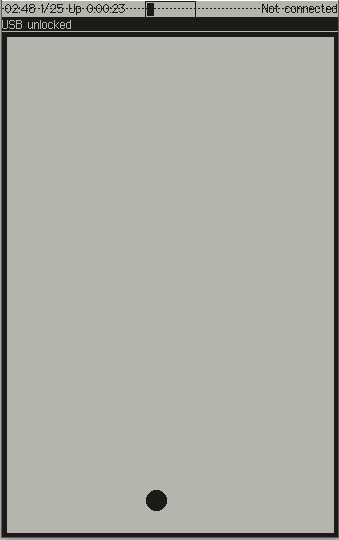
A ball bounces around, changing directions randomly whenever it hits a border. Pressing any key will pop up a modal dialog box that informs you of the key pressed, and then gives you an option to change the behavior into a "tilt" driven mode where the gyro is read and used to control the ball's motion.
This is a fairly "raw iron" demo, and would be a reasonable starting point for someone who, for example, wants to write a video game.
Copying This App
- Copy this demo application, and rename the relevant structures in its
Cargo.tomlandmain.rs. - Add it to the Workspace
default-membersandmembersarrays by editing./Cargo.toml - Edit the
manifest.jsonfile as documented in its README - Build using
cargo xtask app-image you_new_appto create a flashable Xous image with your app in it.