| .. | ||
| locales | ||
| src | ||
| Cargo.toml | ||
| mtxcli-emulator.gif | ||
| mtxcli-precursor.gif | ||
| README.md | ||
| xous-french.png | ||



mtxcli
This is a simple Matrix chat application.
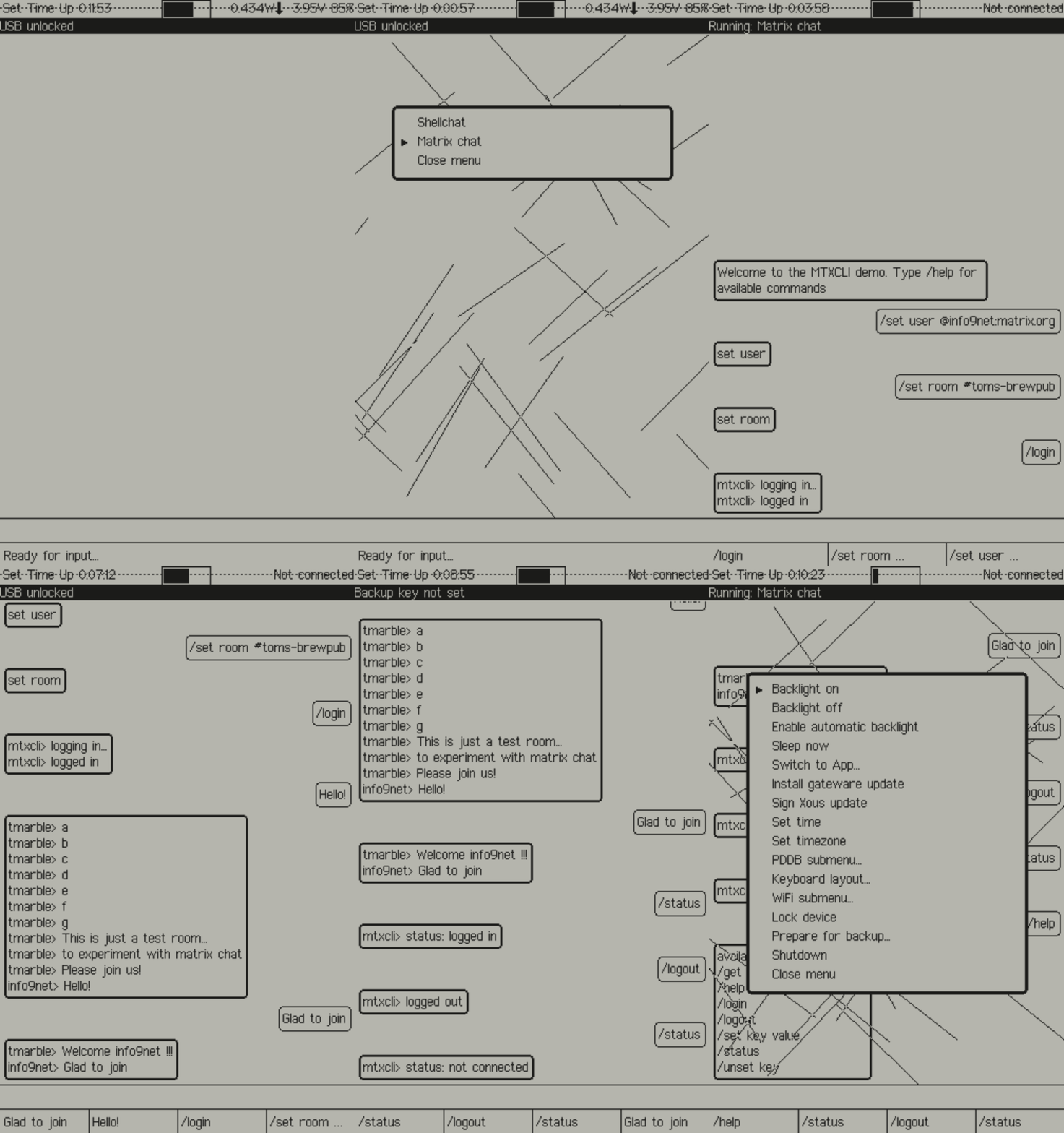
Here you see mtxcli running in hosted mode:
cargo xtask run mtxcli
Background
This is a simple Matrix chat application based on the REPL framework and adapted from the Desktop project mtxcli
Setup
In order to simplify the mtxcli application as much as possible the following must be setup on a conventional device before using Betrusted (laptop, mobile phone).
- Create a new Matrix user (if needed):
- Find (or create) a new room to join for chatting:
- Join the room
- Save the configuration in the pddb
/set user @myname:matrix.org/set password MySecret/set room #my-chat-room
Commands
The following commands are available in mtxcli:
/help [cmd]-- shows help message for all commands (or one cmd if given)/login-- logs in to the server (assumes user and password are set)/logout-- logs out of the server/get key-- shows value of key (from the PDDB)/set key value-- sets value of key (in the PDDB)/unset key-- removes key (from the PDDB)/status-- shows status of the connection
Chatting
Any line not starting with a slash ('/') will be sent to the current room. New messages from the current room will be displayed.
mtxcli on the Precursor device
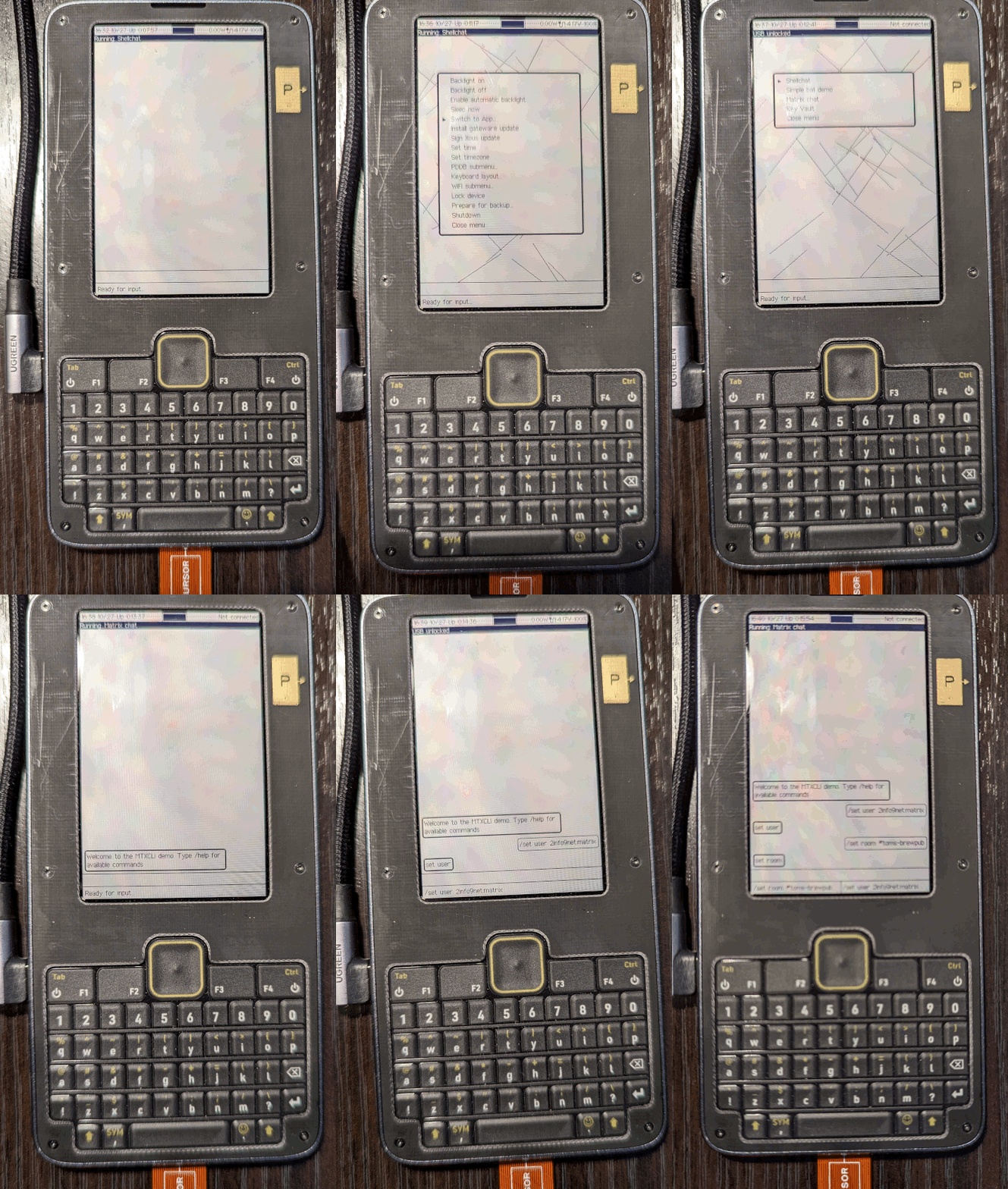
Here are some images of runing mtxcli on the Precursor. NOTE: this Precusor has the Pi HAT installed.
mtxcli in French
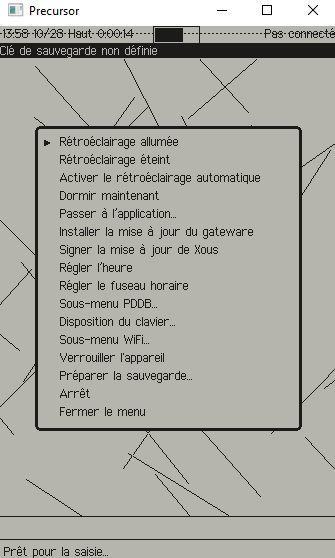
I recently added the French localization to Xous -- including translating all of mtxcli. For more about locales and Xous please see the locales README
Troubleshooting
Prequisites: it is essential that the PDDB is mounted and WiFi is
connected before running mtxcli. You can verify these in Shellchat
with net ping 1.1.1.1.
If you see the message WARNING: clock not set that is likely because
the Precursor real time clock needs to be set (e.g. if the battery
has been completely discharged). Please go to the menu
Preferences | Set Timezone to set the time zone
(and update the time via NTP).
If you see the message authentication failed it might be because
the user and password variables are not set properly.
Alternatively it could be because TLS certificate validation
has failed because the clock has not been set (see above).
Acknowledgements
This app is supported in part by a grant from the NGI0 PET Fund, a fund established by NLnet with financial support from the European Commission's Next Generation Internet program.
